5 STREAM SCENES
Set the scene
Starting soon, just chatting, be right back, ending and offline. Five moments. One identity.
Your personality.
Your entire stream.
Beautifully in sync.
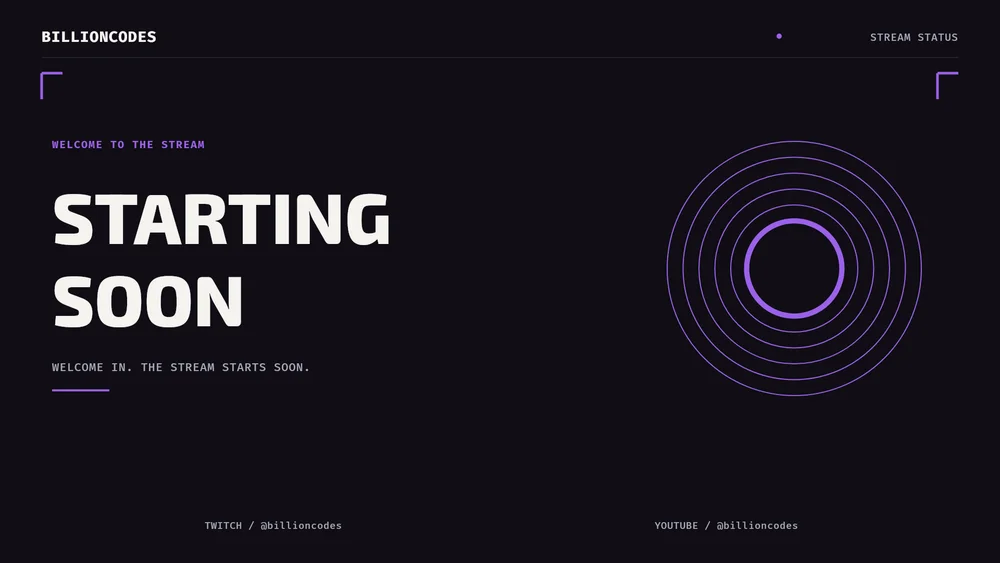 GENERATED IN OVERLAY STUDIO
 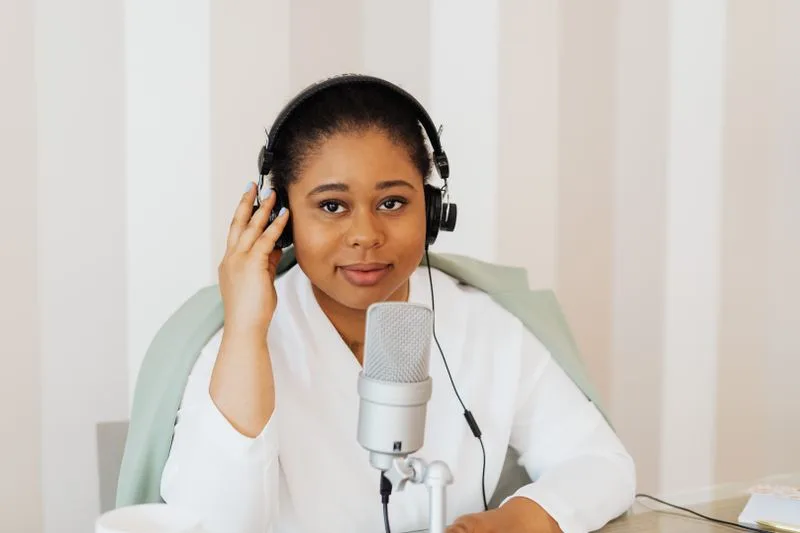 CAMERA FRAME CONCEPT
From your first “starting soon” to your last goodnight. Create a visual identity that carries your energy through every moment of your stream.
Start with a feeling.
The details become yours.
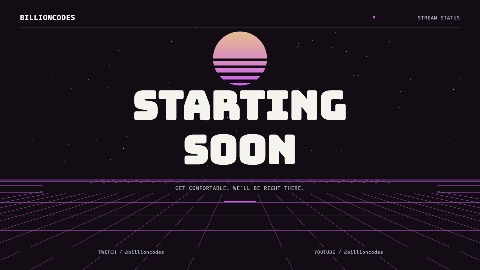 ACTUAL GENERATED SCENE
Retro energy. A future all your own. Pick your colors, add your channel, and explore your own variation.
Make this yours One starting point. Your own direction.A collection that feels considered from the first frame to the final sign-off. Static, animated, or the complete package.
Build your bundleStarting soon, just chatting, be right back, ending and offline. Five moments. One identity.
Camera and gameplay frames that leave room for what matters: you and your content.
Coordinated panels, alert assets and widget styling. The details make the difference.
A countdown, stinger and OBS import script to help bring your whole setup together.
Choose a theme, set your colors and add your channel details. You’re the creative director.
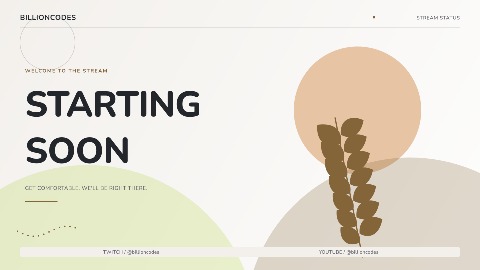
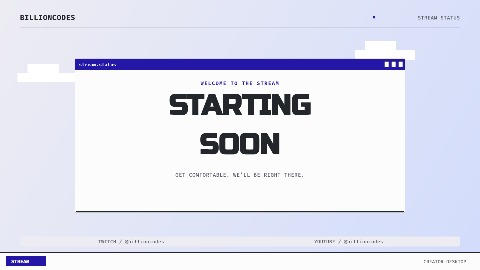 EXPLORE. REFINE. MAKE IT YOURS.
See your design as you go. Explore variations and fine-tune your typography, scenes and motion.
Generate your pack, download the assets and follow the included setup guide to bring them into OBS.
GOOD DESIGNDiscover the marketplace. Publish your own completed bundles for review, or find a new direction from the studio and creator community.
Explore the marketplaceYes. Explore the creator, choose a theme and personalize your live preview without an account. Generation and downloads use the access options shown in the creator.
Coordinated stream scenes, camera and gameplay frames, panels, alert assets, a countdown, a stinger and setup guidance. Choose static, animated or both in the creator to see the files included.
Yes. The exported images and videos work as OBS sources. Your pack includes setup guidance and an OBS scene import script. You can also bring supported media files into other broadcasting software.
Your selected theme provides the visual direction. Channel details, colors, typography and generated variations personalize the result. The live creator preview shows your design before you generate a pack.
Make something that feels like you.
We’ll help you put it on screen.